

Phone Number
The fastest method for Indian players. Enter your +91 mobile number, create a password, select INR, and enter the OTP sent via SMS to activate your account. Supported by all major Indian carriers — Jio, Airtel, Vi, and BSNL.
Parimatch registration in India takes under two minutes — open the app, tap Sign Up, choose your method, enter promo code FREE300, select your welcome bonus, and confirm. New players get access to four welcome offers on the first deposit: Sports, Slots, Live Casino, or Instant Games. The app supports Phone number, Email, and Google account registration directly on the sign-up screen. Indian players who have not yet installed the app can get the Parimatch App directly from this page before registering.
Complete Parimatch sign up directly inside the app in five steps. The entire process takes under two minutes on any Android or iOS device.
Step 1
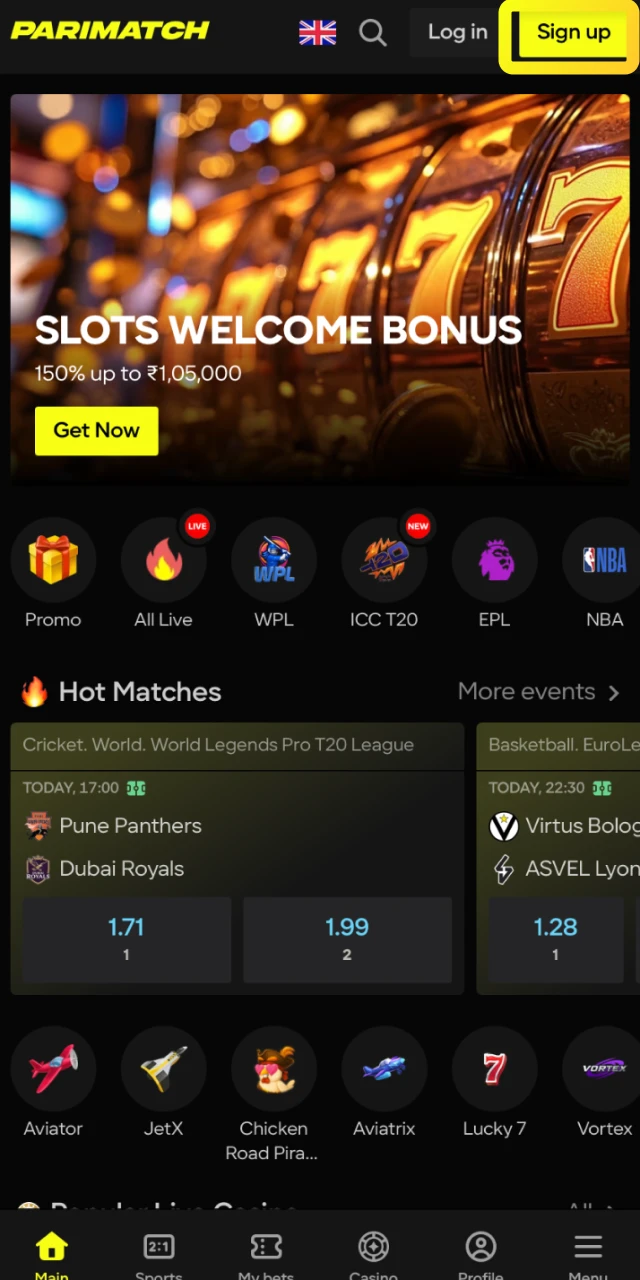
Install the Android APK or add the iOS PWA to your Home Screen, then open the app and tap the Sign Up button on the welcome screen.
Step 2
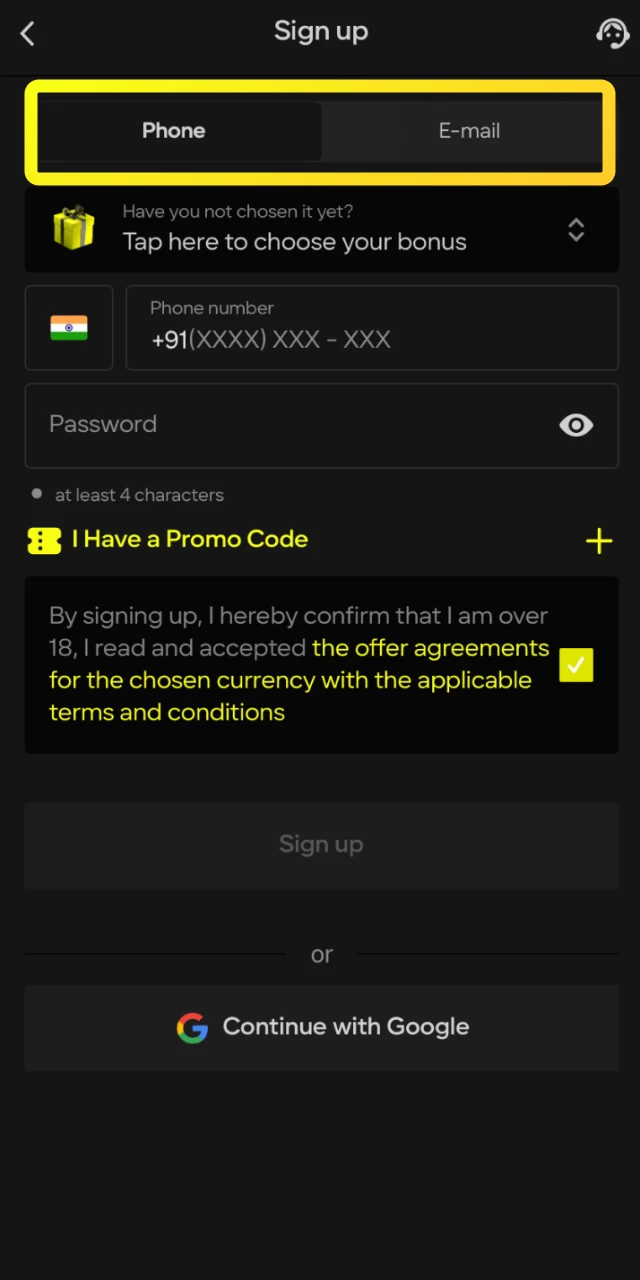
Select Phone number, Email, or Continue with Google. Phone registration is the fastest option for Indian players with an active +91 number.
Step 3
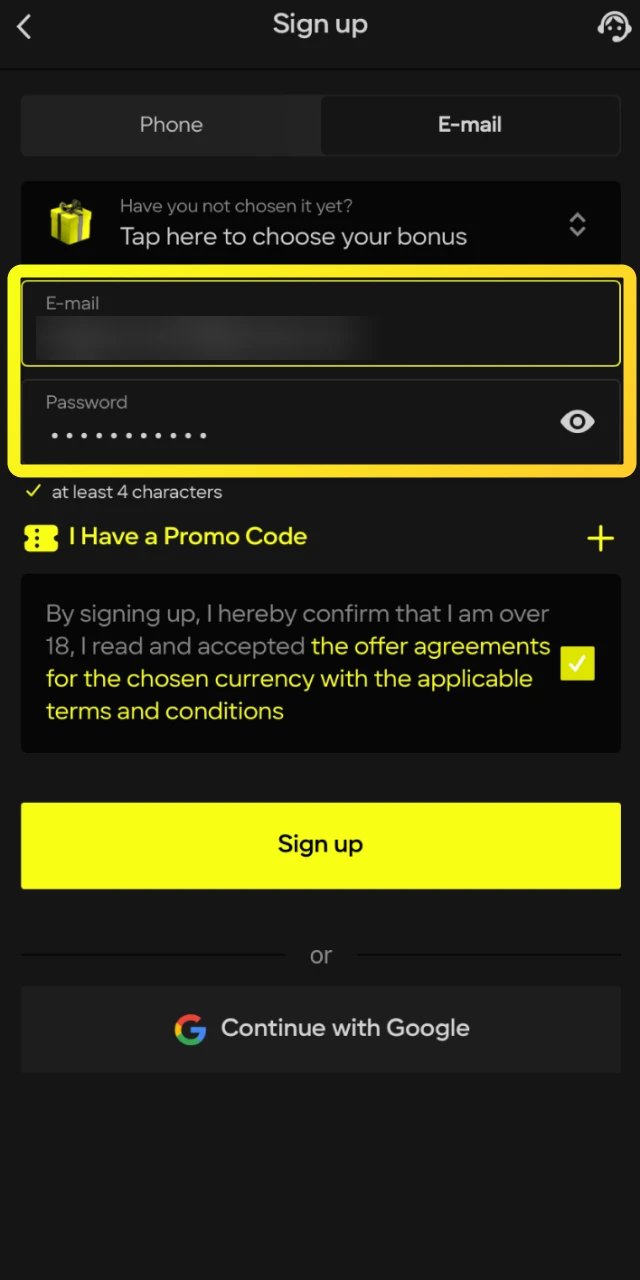
Provide your mobile number or email address and create a password of at least 4 characters. Select INR as your account currency.
Step 4
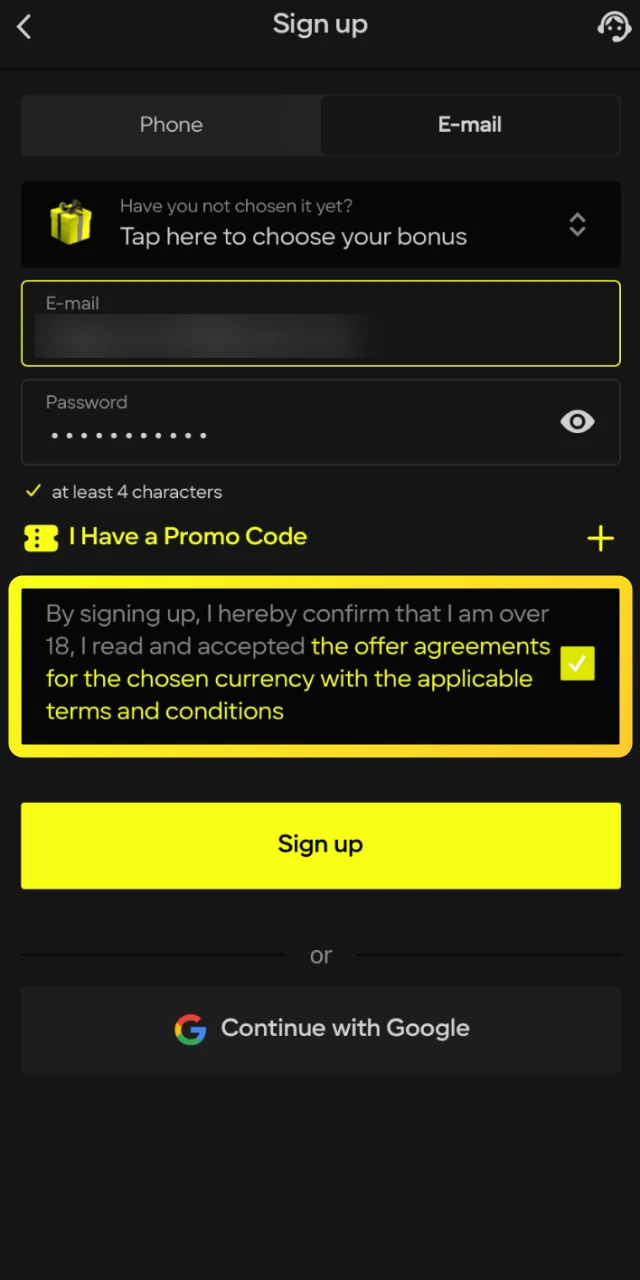
Tick the age confirmation box and accept the terms and conditions.
Step 5
Enter the OTP sent to your mobile number or click the confirmation link sent to your email. Your account is active immediately after verification.
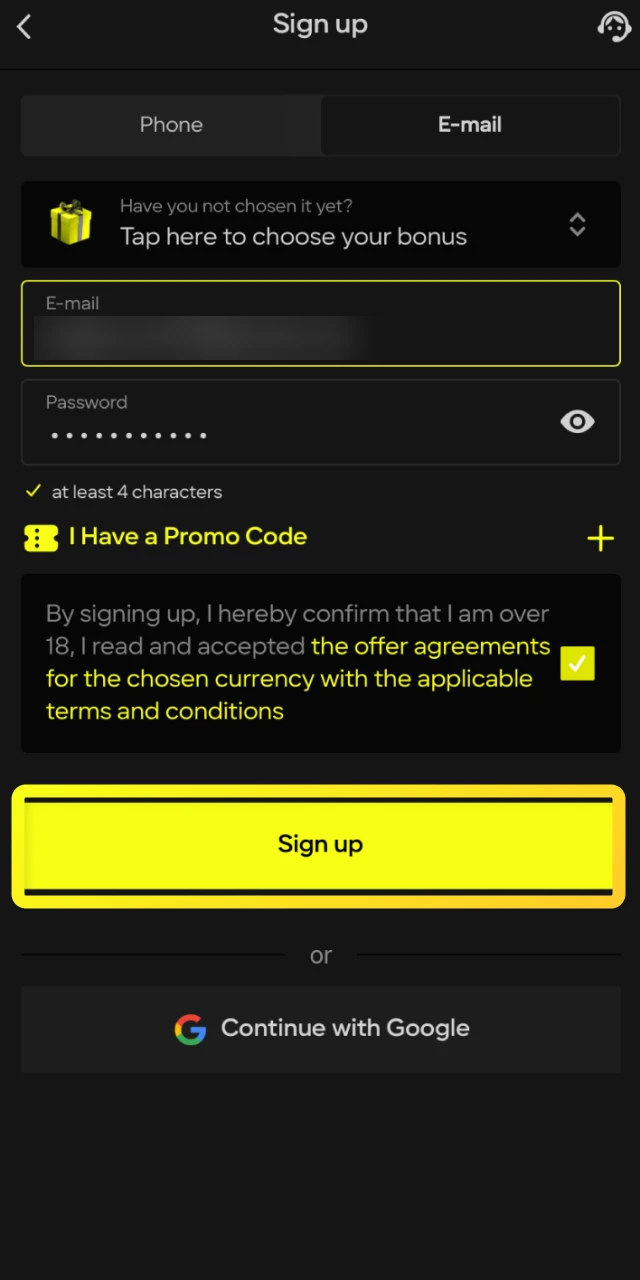
Parimatch offers three sign-up methods in the app — choose the one that suits you best.
The fastest method for Indian players. Enter your +91 mobile number, create a password, select INR, and enter the OTP sent via SMS to activate your account. Supported by all major Indian carriers — Jio, Airtel, Vi, and BSNL.

Register using any active email address. Enter your email, create a password, select INR, and click the confirmation link sent to your inbox. Use a personal email address that you have regular access to — account recovery relies on it.

The quickest option if you have an active Google account on your device. Tap Continue with Google, select your account, grant basic permissions, and confirm INR as your currency. No password creation required — Google handles authentication.
All three methods give identical account access — Sports, Casino, Wallet, Bonuses, and Support are fully available regardless of which sign-up method you choose. The registration method can affect account recovery options, so use a method you have long-term access to.
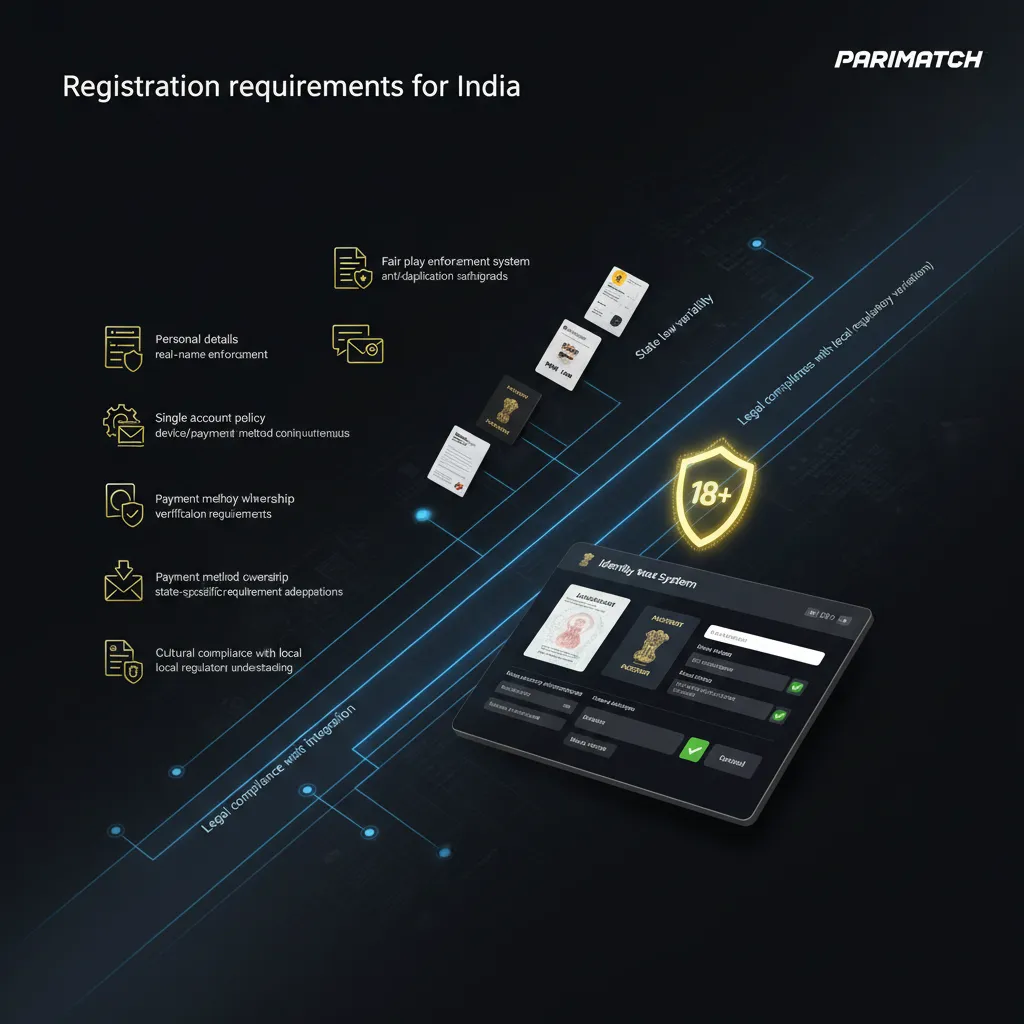
Before creating a Parimatch account in India, make sure you meet the following requirements.
Every new player who completes Parimatch sign up in India receives a welcome bonus on the first deposit. The bonus type is selected during registration — before tapping Sign Up.
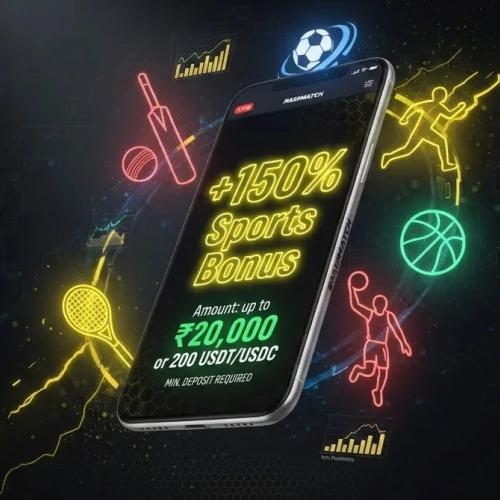
For players who bet on IPL, T20 World Cup, Pro Kabaddi League, and other cricket and sports markets available in the app.
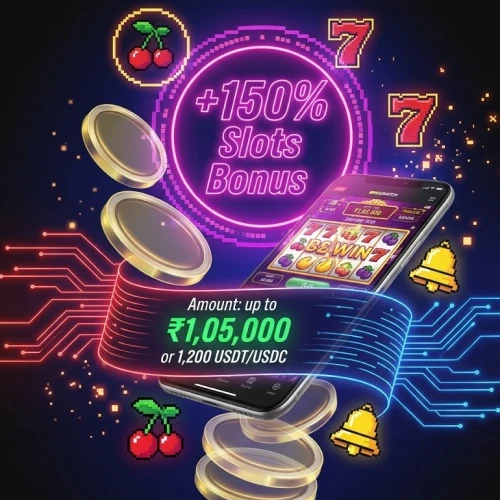
The highest INR welcome offer available. For players who prefer slots from Pragmatic Play, NetEnt, and Playtech in the app.

For players who enjoy real dealer tables — Roulette, Blackjack, Crazy Time, Teen Patti, and Andar Bahar powered by Evolution and Ezugi.

For crash game players — Aviator by Spribe, JetX by SmartSoft Gaming, Mines, Plinko, Balloon, and Vortex.
Enter promo code FREE300 on the registration screen to activate the enhanced welcome package. Make your first deposit via UPI or PhonePe after sign up to receive the bonus automatically.
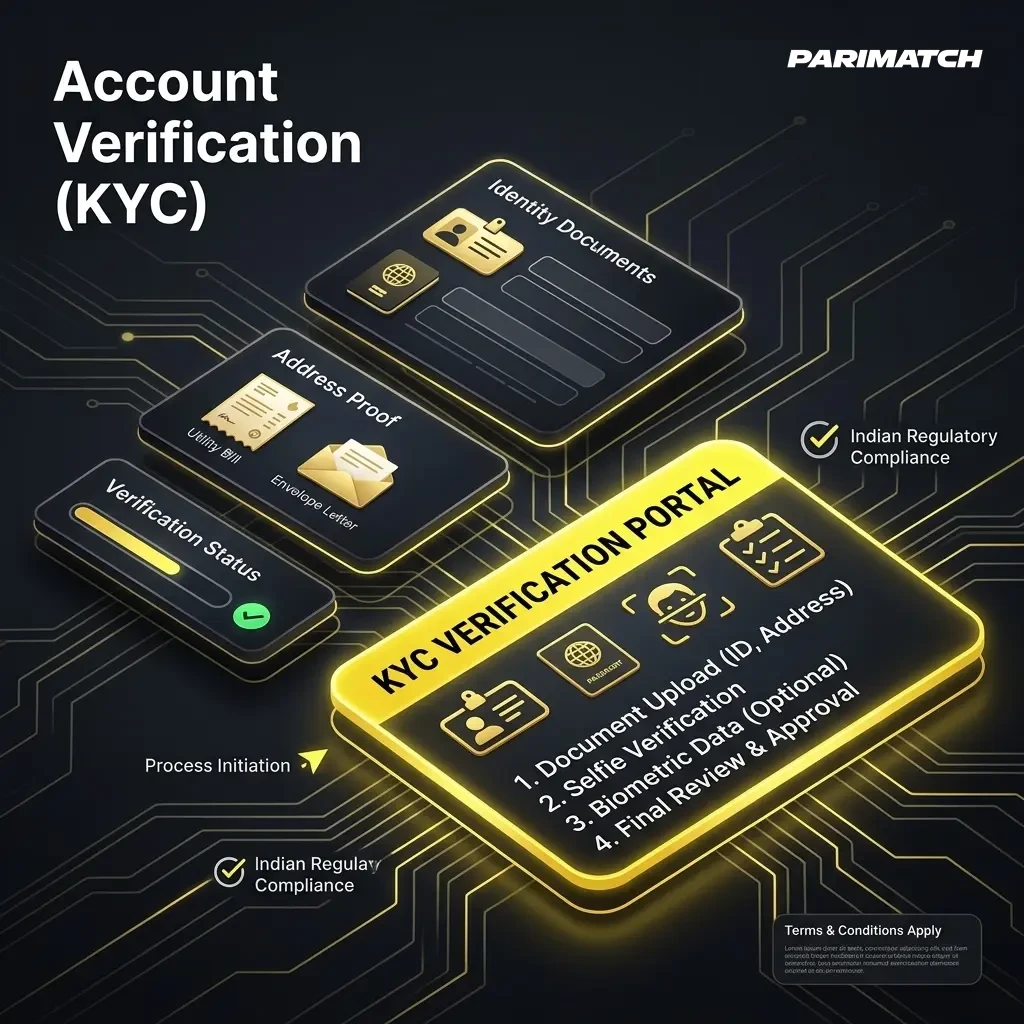
KYC verification is required before processing any withdrawal from your Parimatch account. Indian players complete verification directly inside the app in the Profile section.
KYC verification is a one-time process — once completed, no further document uploads are required for standard withdrawals. Deposits and betting are available immediately after registration without waiting for KYC. Verification becomes mandatory before the first withdrawal or when account activity triggers an automatic security check.
Most Parimatch registration problems in India have a straightforward fix. Check the list below before contacting support.
Open the Parimatch app, tap Sign Up, and choose Phone number, Email, or Google account. Enter your details, select INR as your currency, enter promo code FREE300, choose your welcome bonus, and confirm via OTP or email link. The entire process takes under two minutes.
You must be 18 years or older to create a Parimatch account. Age verification is part of the KYC process required before your first withdrawal.
No. Only one account is permitted per person, device, household, and IP address. If you already have an account, use the Forgot Password option to recover access instead of creating a new one.
Download the Android APK or add the iOS PWA to your Safari Home Screen, then tap Sign Up inside the app. Registration is completed entirely within the app — no desktop or browser required.
No. You can deposit and place bets immediately after registration without completing KYC. Verification is required only before your first withdrawal or when a security check is triggered by account activity.
KYC verification is typically completed within a few hours of submitting your documents. In some cases it may take up to 24 hours. You receive a notification inside the app once your account is approved.
Comments